Best Pet Camera for Dogs: Quick Answer
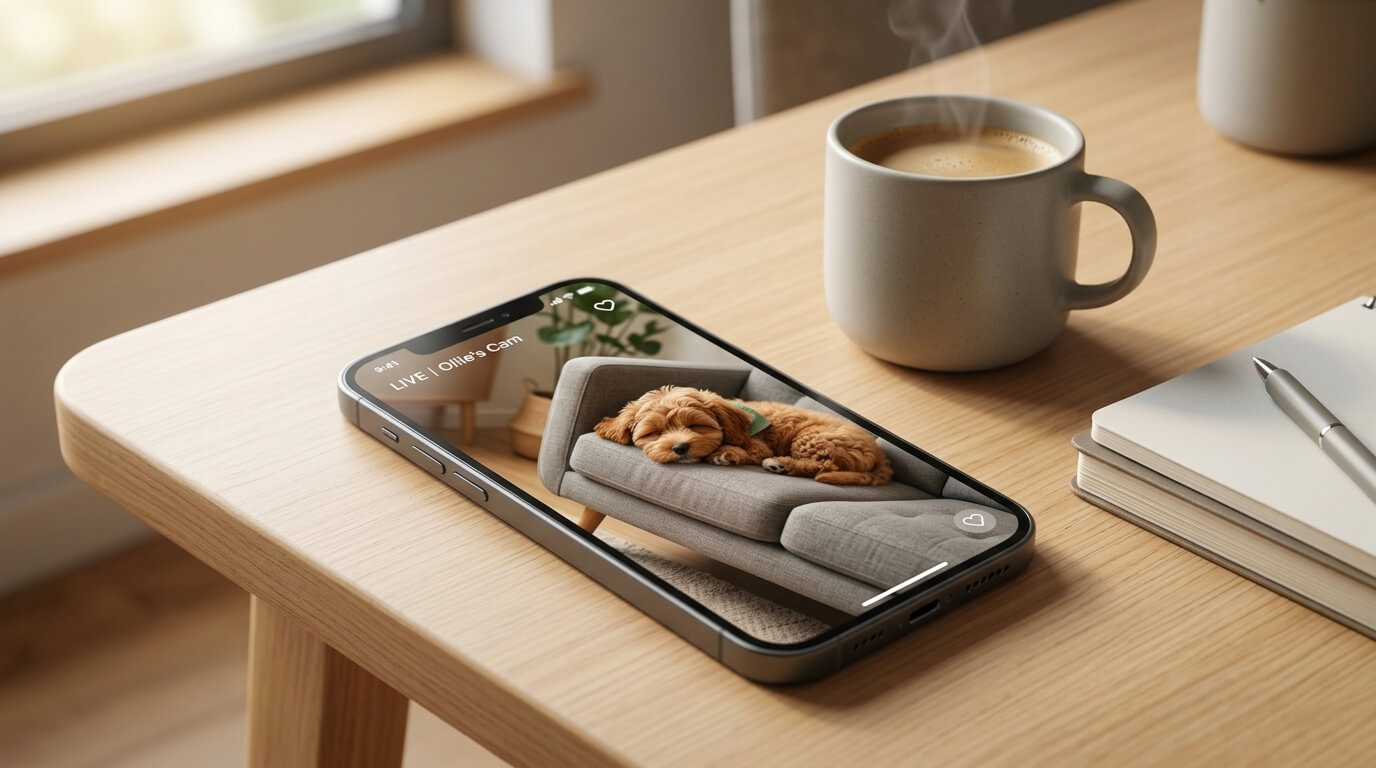
Best pet camera for dogs does not mean the camera with the most dramatic feature list. For apartment dog owners, the best choice is the camera that helps you understand your dog’s real alone-time pattern without creating more stress, privacy risk, or false reassurance. Look for reliable video, clear audio, useful motion or bark alerts, easy placement, privacy controls, protected account settings, and features you will actually use.
A pet camera can show whether your dog sleeps, barks, paces, scratches the door, chews furniture, reacts to hallway noise, or panics after you leave. That information is valuable. But a camera does not train your dog by itself. Two-way audio can soothe some dogs and confuse others. Treat tossing can help some routines and overstimulate others. Alerts can be useful, but too many alerts can make owners anxious and reactive.
This guide is a buyer decision page, not a brand ranking. It explains how to choose a camera for apartment life, what features matter, when to skip treat cameras, and how to use footage responsibly.
Table of Contents
What a Pet Camera Can and Cannot Do
A pet camera can answer questions memory cannot. Does your dog bark for two minutes or two hours? Do they settle after you leave? Do they sleep until delivery noise starts? Do they chew the couch only after a hallway trigger? Do they panic at the door or simply get bored near the sofa? These details help you choose the right plan.
A camera can also help with neighbor complaints. If someone reports barking, footage can show timing, duration, and whether the sound came from your dog. This does not mean you should use footage to argue with everyone. It means you can solve the real pattern. For complaint handling, see dog neighbor noise complaint.
But cameras have limits. They cannot walk your dog, clean accidents, refill water, treat panic, or diagnose medical issues. If your dog is hurting themselves, howling for long periods, drooling, destroying doors, or unable to settle, the camera is only telling you that the dog needs help. For alone-time distress, pair camera observation with dog separation anxiety in apartments.
7 Essential Smart Checks
1. Reliable Video Before Fancy Features
Clear video matters more than gimmicks. You need to see body language, door activity, crate behavior, and whether your dog is resting or pacing. A wide view is useful in small apartments because one camera may need to cover the door, dog bed, and main walking path.
2. Audio That Helps You Understand, Not Panic
Audio lets you hear barking, whining, scratching, and hallway triggers. It can also make owners over-check every small sound. Choose a camera with usable audio settings and alerts you can adjust. You want information, not constant nervous checking.
3. Two-Way Talk With Caution
Two-way audio sounds helpful, but it is not always calming. Some dogs relax when they hear a familiar voice. Others become more upset because they hear you but cannot find you. Test it during a short absence before relying on it during a workday.
4. Treat Features Only If They Fit Your Dog
Treat tossing can be fun for some dogs, but it is not ideal for every apartment. It can create barking, jumping, guarding, overexcitement, crumbs, or frustration. Dogs with food allergies, weight concerns, resource guarding, or separation distress may not be good candidates.
5. Bark and Motion Alerts You Can Control
Alerts should be adjustable. In apartments, hallway sounds, shadows, elevators, and passing neighbors can trigger motion or sound alerts. If the camera sends too many notifications, you may stop using it or become more anxious than your dog.
6. Privacy and Account Security
A pet camera is still an internet-connected camera inside your home. Use strong passwords, two-factor authentication if available, app updates, and privacy settings. Think carefully before placing cameras where they capture guests, neighbors through windows, or sensitive household areas.
7. Placement That Matches Your Dog’s Routine
The camera should show the place where behavior happens. If your dog panics at the door, aim at the entry. If they sleep in the bedroom, point there. If they chew furniture, include the sofa. A camera facing the wrong corner gives false comfort.
Where to Place a Pet Camera in an Apartment
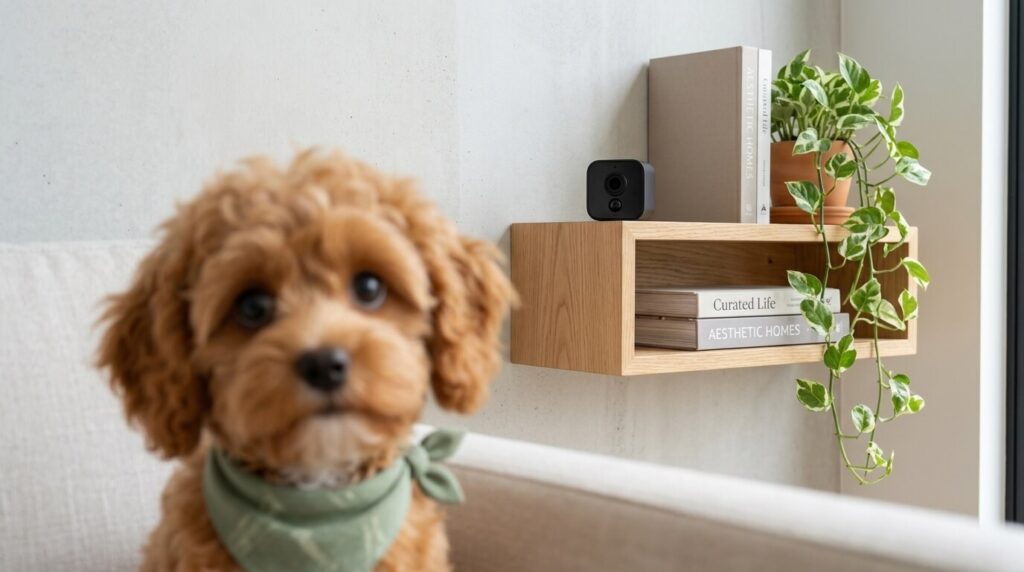
In a studio, place the camera high enough to see the dog bed, door, and main living area. Avoid placing it so low that your dog can chew the cord or knock it over. If cords are visible, route them safely or choose another location.
In a one-bedroom apartment, decide whether the dog has access to the bedroom while you are gone. If the dog stays in the living room, do not waste the camera view on the bedroom door. If the dog spends time near the entry, include the hallway side of the room so you can see reactions to building noise.
For crate or pen setups, avoid aiming the camera so close that you cannot see the dog’s full body. You need to see whether the dog is sleeping, turning, pawing, panting, or trying to escape. If your dog is in a crate, also review crate training apartment dogs.
Do not place a camera in a way that records neighbors through windows or shared hallways. Privacy-conscious placement protects you and keeps the device focused on your dog.
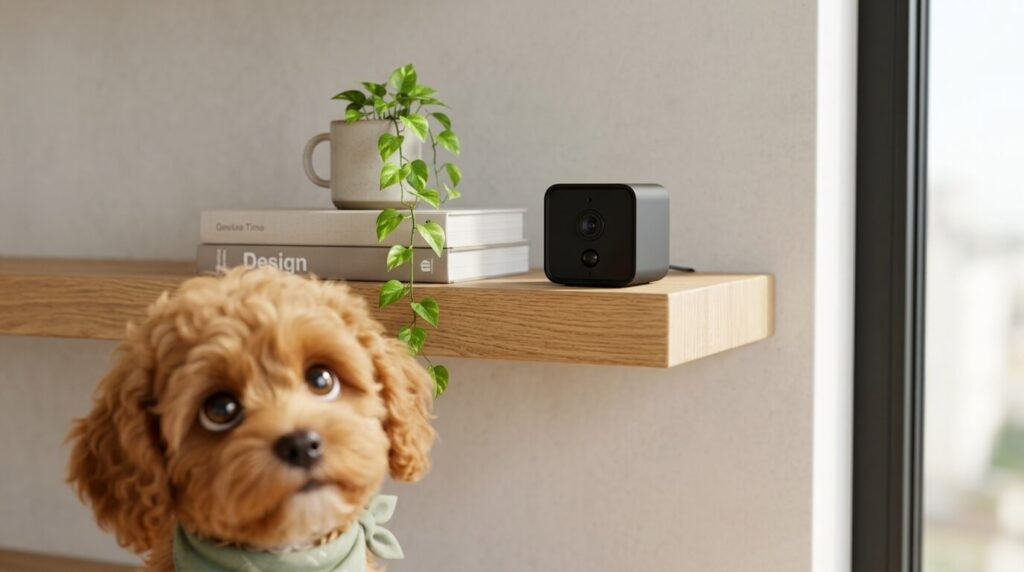
Pet Cameras and Anxious Dogs
For anxious dogs, a camera is a measurement tool. It helps you see when distress begins and how intense it is. It does not replace a training plan. If your dog begins barking after ten minutes, your training point may be before ten minutes. If your dog is already pacing before you close the door, the departure routine itself may be too stressful.
Be careful with two-way audio for anxious dogs. Hearing your voice can make some dogs search harder, bark more, or run to the door. Test it with a very short absence. If your dog becomes more activated, do not use talk features as comfort.
Also be careful with treat tossing. If the dog waits at the camera, barks for treats, or becomes frustrated when treats stop, the feature is not helping. For anxious dogs, calm predictability often matters more than remote interaction.
Privacy and Security Checklist
- Use a unique password for the camera account.
- Turn on two-factor authentication if available.
- Update the app and device firmware.
- Review cloud storage settings and subscription terms.
- Avoid camera views that capture private areas unnecessarily.
- Tell pet sitters or guests if a camera is active in shared spaces.
- Unplug or disable the camera when you do not need it.
Privacy matters because the camera is inside your home. Convenience should not make you careless. A simpler camera with better privacy habits is often safer than a feature-heavy camera managed casually.
Feature Decision Table
| Feature | Useful when | Caution |
|---|---|---|
| Wide-angle video | You need to see a small apartment room | May distort details at edges |
| Two-way audio | Your dog relaxes to your voice | Can worsen searching or barking |
| Treat tossing | Your dog is calm and food-motivated | Can create excitement or guarding |
| Bark alerts | You need timing data | False alerts can stress owners |
| Cloud recording | You need history for patterns | Review privacy and subscription terms |
7-Day Setup Plan
Day one: place the camera and test the view while you are home. Make sure cords are safe and the angle shows the real behavior area.
Day two: record a normal rest period while you are in another room. Learn what relaxed behavior looks like on camera.
Day three: step outside for one minute and watch later. Do not talk through the camera yet.
Day four: test two-way audio only if your dog was calm during earlier tests. Stop if it increases arousal.
Day five: test alerts and adjust sensitivity. Keep only notifications that help you act.
Day six: review footage for patterns: door, window, crate, couch, water bowl, hallway noise, or sleep.
Day seven: decide whether the camera is helping. Keep it if it gives useful information. Change placement if it misses the problem. Turn off features that make you or your dog more anxious.
Buyer Profiles for Apartment Dog Owners
The New Puppy Owner
A new puppy owner often wants reassurance. The camera should show the puppy’s confinement area, water, bedding, and door activity. Treat tossing is usually less important than seeing whether the puppy is sleeping, whining, chewing bedding, or needing a potty schedule adjustment. Puppies should not be left with cords or camera parts they can chew.
The Workday Renter
A renter who works outside the home may need alerts, but not constant alerts. Use the camera to check the first hour after departure and the period before you return. Those windows often reveal whether the dog settles or builds stress over time. If your dog is alone for long workdays, pair camera information with how long you can leave a dog alone in an apartment.
The Neighbor-Complaint Owner
If complaints are the reason for buying, prioritize audio history, reliable timestamps, and a clear view of the dog’s main area. You are not buying the camera to prove someone wrong. You are buying it to understand the barking pattern and show that you are taking action.
The Anxious Dog Household
For anxious dogs, choose simplicity. A treat launcher, laser, loud speaker, or frequent remote voice may increase arousal. A quiet camera with reliable recording may be better. The goal is to observe and plan training, not to interact all day from work.
Apartment Case Studies
Case Study: Barking Starts After Delivery Noise
The camera shows the dog sleeping calmly for three hours, then barking after a package hits the hallway. This is not a full-day separation problem. The owner can work on hallway sound management, white noise, door distance, and delivery timing. The camera helped by narrowing the trigger.
Case Study: Pacing Begins Before the Owner Leaves
The camera shows the dog pacing while the owner gathers keys and shoes. The problem begins before departure. Two-way audio after leaving will not fix the buildup. The owner needs a calmer exit routine and gradual alone-time practice.
Case Study: Couch Chewing Starts at Minute Forty
The dog sleeps after the owner leaves, then wakes and chews the couch. This may suggest boredom, lack of legal chew outlets, or a predictable energy dip. The owner can adjust morning exercise, add a safe chew routine, and use the guide on dog chewing furniture apartment.
Case Study: Camera Alerts All Day but the Dog Is Fine
The camera sends motion alerts for light changes, shadows, and hallway sounds, but the dog is sleeping. The problem is not the dog. The problem is alert sensitivity. Adjust settings so alerts remain useful.
Privacy Setup Before First Use
Before using any pet camera, create a dedicated strong password. Do not reuse an old password from email or shopping accounts. Turn on two-factor authentication if the service offers it. Update the app. Check whether video is stored locally, in the cloud, or both. Decide whether you need continuous recording or only event clips.
Place the camera with privacy in mind. Avoid bedrooms, bathrooms, computer screens, mail piles, calendars, and windows facing neighbors. If dog sitters, cleaners, friends, or family enter the apartment, tell them where cameras are active. A pet camera should not become an awkward surprise for humans.
Review settings once a month. Apps change. Subscriptions change. A camera that was set up carefully can become sloppy if you never revisit permissions, recording options, or notification settings.
Simple Camera Review Template
Use a short note for the first two weeks. Write the date, how long the dog was alone, what happened in the first ten minutes, the longest barking or pacing episode, and what trigger seemed to start it. Add one line for your next change.
| What to track | Why it matters |
|---|---|
| First reaction after exit | Shows whether departure is the trigger |
| Time until settling | Shows recovery ability |
| Barking duration | Separates brief alerts from ongoing distress |
| Door, window, or couch activity | Identifies the problem zone |
| Effect of changes | Shows whether training or setup is working |
This template keeps the camera from becoming a source of doom-scrolling. You are looking for patterns, not watching every second.
Who Should Skip a Pet Camera for Now
Skip or wait if watching your dog will make you more anxious but you cannot act on the information during the day. Skip treat cameras if your dog guards food, has weight restrictions, or becomes frantic around food. Skip two-way audio if your dog becomes more upset hearing you remotely.
Also wait if your apartment has unsafe cord access, unstable shelves, or no private camera angle. Fix the physical setup first. A camera should not create chewing, privacy, or tripping hazards.
Pre-Publish Checklist
- The article explains buyer criteria, not fake hands-on rankings.
- The article says cameras observe behavior but do not treat anxiety.
- The article includes privacy and account safety guidance.
- The article explains who should skip treat tossing or two-way audio.
- The article has natural internal links to barking, separation anxiety, chewing, and alone-time pages.
- The article avoids brand ranking, price claims, and product promises.
Feature Priority by Problem
If your main concern is barking, prioritize audio history and adjustable bark alerts. You need to know when barking starts, how long it lasts, and whether it follows a hallway sound, window trigger, or departure. A treat feature is less important than accurate timing.
If your main concern is chewing, prioritize a camera angle that shows the furniture, door, crate, and chew station. A camera aimed only at the dog bed may miss the problem entirely. For chewing, the best camera is the one that catches the moment before the dog chooses the wrong target.
If your main concern is potty accidents, prioritize floor view and lighting. You need to see whether the dog circles, sniffs, waits by the door, or has an accident without warning. This can help you adjust potty timing, but sudden accidents still deserve veterinary attention when unusual.
If your main concern is general peace of mind, keep the setup simple. A clear live view and a few saved clips may be enough. More features can create more checking, more alerts, and more anxiety for the owner. The best pet camera for dogs is sometimes the simplest camera used thoughtfully.
Installation Mistakes to Avoid
Do not place the camera where your dog can reach the cord. Cord chewing is a safety risk and can also destroy the device. Do not balance the camera on a narrow shelf if a zooming dog, robot vacuum, or door vibration can knock it down. Do not aim it directly into bright windows if that makes the dog appear as a dark shape all day.
Do not put the camera beside the treat station if your dog will stare at it and bark. Do not place it so the speaker blasts near the crate. Do not assume a high angle is always best; sometimes a medium angle gives better body language detail.
Test the setup while you are home. Walk through normal routines, open the door, sit on the couch, turn on lights, and check whether the app still shows what you need. A ten-minute setup test can prevent weeks of useless footage.
How to Use Footage Responsibly
Review short clips instead of watching constantly. Look for patterns: first five minutes, delivery times, midday rest, late-afternoon restlessness, and the period before you return. If nothing concerning happens, let that be reassuring. Do not keep searching for problems.
If you see distress, write down what happened and choose one next step. For example: move the dog bed away from the door, shorten the next absence, add a pre-departure potty break, or contact a professional. Footage is only useful when it leads to a calm action.
Common Mistakes
Mistake 1: Buying for Treat Tossing First
Treat features are fun, but video quality, placement, privacy, and dog response matter more.
Mistake 2: Talking Through the Camera Too Soon
Remote voice can confuse some dogs. Test carefully.
Mistake 3: Watching All Day
Constant checking can make owners more anxious. Use footage to identify patterns, not to monitor every breath.
Mistake 4: Ignoring Privacy
A pet camera is still a home camera. Use security settings and thoughtful placement.
Mistake 5: Treating Footage as Training
Footage tells you what happens. Training changes what happens.
FAQ
What is the best pet camera for dogs in apartments?
The best pet camera for dogs in apartments is one with reliable video, safe placement, useful audio, adjustable alerts, and privacy controls. The right choice depends on your dog’s behavior and your room layout.
Can a pet camera help separation anxiety?
It can help you observe signs and timing, but it does not treat separation anxiety by itself. Use the footage to guide training or professional help.
Is two-way audio good for dogs?
Sometimes. Some dogs relax, while others become more upset. Test it during short absences.
Are treat cameras safe?
They can be safe for some dogs, but they are not ideal for dogs with guarding, allergies, weight issues, or frustration around food.
Where should I put a pet camera?
Place it where the behavior happens: door, crate, bed, sofa, or main room. Keep cords out of reach and avoid private views you do not need.
Do I need cloud recording?
Not always. Cloud recording can help review patterns, but live view may be enough. Consider privacy and subscription cost.
Can a pet camera stop barking?
No. It can show when and why barking happens. You still need management, training, and sometimes professional support.
Next Step
If you are choosing the best pet camera for dogs, start with one question: what do you need to learn? Pick the camera and placement that answers that question with the least privacy risk and the fewest distracting features. Then use the footage to improve your dog’s real routine, not just to watch them more often.
References
FTC: Privacy and Security Guidance